
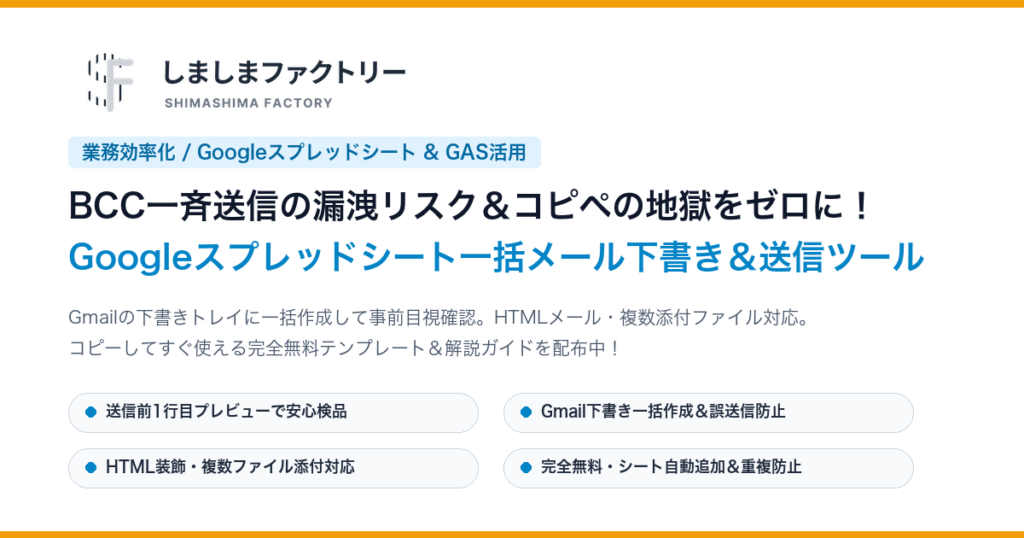
Eliminate BCC Leak Risks & Copy-Paste Fatigue: Free Google Sheets Bulk Mail Merge Tool
Stop stressing over BCC leaks and late-night copy-paste marathons. Generate personalized email drafts directly into your Gmail draft folder for safe pre-send inspection with our free Google Sheets & GAS template!
Insert a screenshot of the spreadsheet showing the “Mail Settings” tab, the recipient list, and the custom “Mail Actions” menu.
Common Challenges in Bulk Business Communication
Sending announcements to webinar participants, event attendees, or corporate clients is often fraught with risk:
- Information Leaks from BCC Misconfiguration: Mistakenly putting recipients into “To” or “CC” instead of “BCC” is one of the most common and catastrophic business mistakes.
- Exhausting Manual Copy-Pasting: Manually changing names one by one takes hours and inevitably leads to humiliating typo errors.
- Expensive Overkill Mail Platforms: Subscribing to costly monthly marketing automation platforms is unnecessary for simple, occasional bulk outreach.
Our Google Sheets Bulk Mail Merge & Draft System solves all of these headaches seamlessly.
4 Key Features & Safeguards
1. Safe Batch Draft Creation in Gmail
Instead of sending emails immediately into the void, this tool generates individual drafts in your Gmail Drafts folder. You can visually review the final rendered emails before hitting send.
Insert a screenshot showing multiple personalized email drafts generated inside the Gmail Drafts folder.
2. Visual Pre-Send Inspection Dialog
Check the very first recipient in your planned queue directly inside Google Sheets. The modal inspection dialog renders recipient address, subject, sender name, attachments, and formatted body text before processing.
Insert a screenshot of the in-sheet email preview popup showing rendered replacement tags.
3. Both Plain Text & Rich HTML Email Samples Built-in
Seamlessly switch between clean, reliable plain text and eye-catching HTML emails with call-to-action buttons, highlight boxes, and custom font styling. The starter template comes pre-packaged with two dedicated list sheets: “Delivery List” for standard plain text emails and “HTML Delivery List” for stylish webinar invitations with buttons.
Standard line breaks are automatically converted to <br> tags so you never have to worry about broken formatting. You can also attach multiple Google Drive files (Excel, Word, images, PDF) using simple comma-separated IDs or links.
4. Duplicate Prevention & 1-Click Sheet Synchronization
Manage multiple lists in one file. Add a new tab, click “Add Current Sheet to Mail Config”, and the system automatically creates matching configuration columns and status checkboxes while preventing duplicate registrations.
Easy 4-Step Daily Workflow
Step 1: Prepare Recipient List (Plain Text or HTML)
Open either the plain text list or the HTML list depending on your campaign. Add contact details, and use the built-in sheet sync tool for new tabs.
Step 2: Set Subject & Template with Merge Tags
Use tags like {{Company}} and {{Name}}. Both Japanese and English column header tags are automatically supported.
Step 3: Check “Send Plan” Boxes
Check the boxes for recipients you want to include. Use “Do Not Send” to explicitly exclude specific rows.
Step 4: Inspect Preview & Create Drafts
Run the Preview dialog to inspect the first email, then create Gmail drafts or send directly with full confidence.
How to Get the Free Template
This template is distributed instantly and completely free via Shimashima Factory Official LINE.
Add our Official LINE as a friend, tap the rich menu on your screen, and an instant copy will be created in your Google Drive.
* Immediately after adding, you can duplicate the Google Sheet template with a single tap.
Setting Up Your Copied Template
Initial setup takes only 1 minute with our built-in automated setup script. View our step-by-step setup guide.