
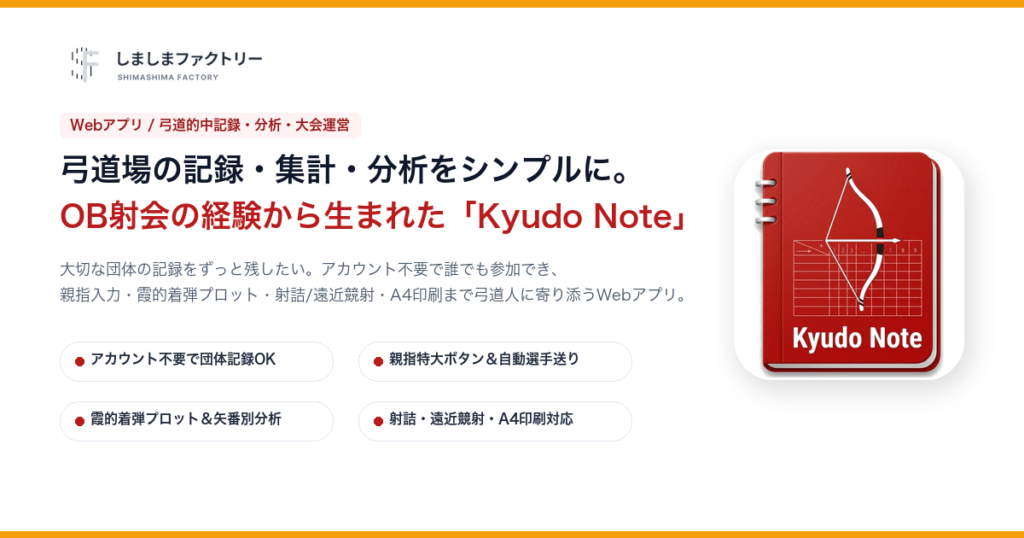

Streamline Kyudo Scoring, Aggregation, and Analytics: User Guide for “Kyudo Note”
While honoring the traditional atmosphere of handwritten paper scoreboards, “Kyudo Note” was created from the desire to preserve the rich history and practice records of teams and dojos. It allows team managers to record rounds and organize tournaments without requiring all members to create accounts, while providing seamless connectivity for individual practice.
Please place a screenshot here showing the member list managed by administrators and badges distinguishing active and alumni archers.
1. Background: Realizing the Value of Preserving Team History at an Alumni Tournament
Having practiced Kyudo since my school days, I had the opportunity to organize an alumni tournament. The sound of bowstrings reverberating in the dojo, the crisp impact on the target, and shooting alongside long-time friends are irreplaceable moments. The handwritten paper scoreboard has its own elegance and historical charm.
At the same time, managing the event highlighted a genuine need:
- “Preserving this day’s records as a lasting history of our team and dojo.”
- “Reducing time spent on manual tallying so everyone can focus on shooting and friendship.”
- “Sharing live updates with supporters and alumni who couldn’t attend in person.”
Respecting the traditions of paper while providing a sustainable way to archive records led to the creation of Kyudo Note.
2. Core Philosophy: Low Barrier to Entry Without Forcing Accounts
When introducing a new digital tool to a martial arts club, requiring every single member to install an app and register an account is often the biggest obstacle. Kyudo Note was intentionally designed to eliminate this barrier:
- Operable by managers alone: Team records and tournament brackets can be managed fully even if participants do not have individual accounts.
- Linkable when ready: If a member creates an account later, they can link their profile to access their personal history and track solo practice.
- Lasting team archive: Historical data and alumni rosters remain intact across years.
3. Key Features Tailored for the Dojo
1. Thumb-Friendly Big Buttons, Arrow Navigation, & Target Coordinate Plotting
In a dojo, scorers often sit seiza or hold a bow with one hand. Kyudo Note features oversized Hit/Miss buttons at the bottom of the screen. To prevent accidental skipping or rushing, dedicated arrow buttons (“Next” and “Previous”) are placed beside the target, allowing the scorer to advance archers steadily at their own pace according to standard standing shooting order (Oomae 1st arrow -> Niteki 1st arrow -> …). Tapping directly on the virtual 36cm target (Kasumi) visually plots exact impact coordinates with zoom support.
Place a screenshot of the score input screen with oversized buttons, arrow navigation, interactive target canvas, and round score progression.
2. Arrow-Order Analytics & Shooting Habit Feedback
Analyze hit rates broken down by arrow sequence (1st, 2nd, 3rd, and final arrow). Tendency advice cards help identify technical habits, such as grip loosening or high releases, based on clustering of missed arrows.
Place a screenshot of the arrow sequence charts and habit diagnosis card.
3. Full Tournament & Practice Operation (Qualifying, Finals, Playoffs, & Convenience Features)
Kyudo Note covers the full lifecycle of matches, from daily club practice to official championship tournaments:
- Tournament vs. Practice Modes: Seamlessly switch between official “Tournament Mode” (strict logs, shareable live links) and “Practice Mode” for quick intra-club matches.
- Qualifying Round Management: Automatic tallying across multiple rounds (Round 1, Round 2) for 3-person or 5-person teams and individual divisions.
- Finals, Brackets, & Shoot-offs: Full tournament brackets and dedicated tie-breaking special rounds for “Izume” and “Enkin” shoot-offs, producing clean, final rank determination tables.
- Handy Field Features (Reordering & Absentee Handling): Drag-and-drop lineup reordering for tactical adjustments, and single-tap handling for absent team slots without stalling match flow.
Place a screenshot of tournament setup, qualifying rounds, and lineup arrangement.
Place a screenshot showing tournament brackets, tie-breaking shoot-offs (Izume/Enkin), or final rank tables.
Place a screenshot of the A4 portrait printable score sheet.
4. Public Live Match URL for Parents and Alumni
Generate secure public share links for each tournament. Spectators, family members, and alumni can follow live scores in real time without creating an account or logging in.
Place a screenshot showing the mobile live scoreboard view.
4. Getting Started: No App Store Download Required
Kyudo Note runs directly in modern web browsers across smartphones, tablets, and desktop PCs.
Launch Kyudo Note in Browser
* No installation needed. Opens immediately in your web browser.
Customization & Club Support Inquiries
For feedback, feature requests, or inquiries about customized solutions for regional federations, feel free to reach out via our Official LINE.