
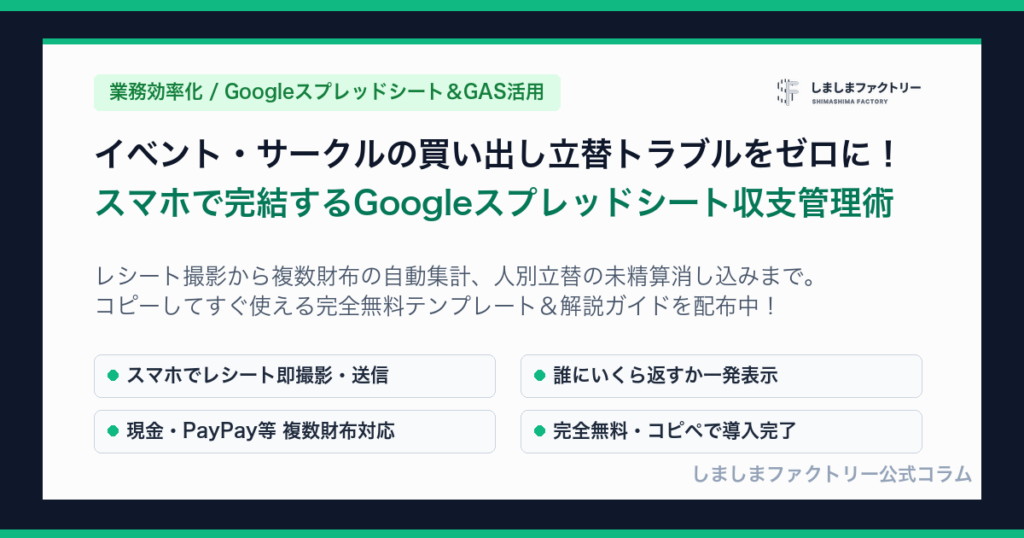
Common Challenges in Event & Club Accounting
Whether organizing a club camp, sports tournament, company BBQ, or local festival, managing shared expenses is often stressful:
- Scattered Reimbursements: Member A bought groceries, Member B bought party supplies—who owes whom and how much?
- Multiple Wallets: Collecting fees via cash and mobile apps (PayPay, Venmo, bank transfers) makes real-time balance tracking confusing.
- Lost Paper Receipts: Receipts get crumpled, faded, or misplaced before the event wraps up.
Our Mobile-First Event Expense Tracker, built on Google Sheets and Google Apps Script (GAS), solves all these issues instantly.
5 Key Features
-
Individual Reimbursement Tracking:
Automatically tracks unpaid balances per member. At settlement time, see exactly what each person is owed (e.g., John: $50 / Sarah: $30). Recording a reimbursement instantly offsets the balance to zero. -
Multi-Wallet Balance Management:
Manage Cash, Mobile Pay, Bank Accounts, and IC cards side-by-side. Real-time formula calculations ensure physical money matches the digital ledger. -
Direct Receipt Photo Upload:
Snap receipt photos on your phone immediately after shopping. Files are automatically uploaded and organized in your dedicated Google Drive folder. -
100% Smartphone-Operable (No PC Required):
After copying the template, manage everything from mobile. Add, remove, or reorder members and payment methods directly from the Web App settings tab. -
Built-in Visual Guide:
An in-app user guide explains exact workflows for purchases, reimbursements, and inter-wallet transfers.
Typical Use Cases
1. Right After Shopping (Shopper)
Open the web form on mobile → Select Category (“Groceries”), Payment (“Reimbursement”), Name (“John”), Amount ($85) → Attach receipt photo → Submit. Done in 30 seconds!
2. End-of-Day Settlement (Accountant)
Check the Unpaid Balance board → Hand $85 cash to John → Submit Category (“Reimbursement Settlement”), Name (“John”), Paid via (“Cash”). John’s balance clears to $0 and the Cash wallet decreases by $85.
3. Moving Funds Between Wallets (Transfer)
Select Category (“Fund Transfer”), Source (“Cash”), Destination (“Mobile Pay”), Amount ($100). The system automatically creates matching outflow and inflow lines.
Get the Free Template on Official LINE
This template is distributed free of charge via Shimashima Factory’s Official LINE account.
Add us as a friend and tap the rich menu to instantly create a copy in your Google Drive.
Need Help Setting Up?
Setting up the web application after copying the spreadsheet takes just 3 easy steps. Follow our detailed step-by-step setup guide.